
There's a specific kind of friction that doesn't get talked about enough in content creation: the gap between having something worth sharing and actually sharing it well.
You write a post. You ship a product. You find an article worth amplifying. And then you open your social media app and paste in the link — and what shows up is a grey box, or a blurry auto-pulled thumbnail, or just the raw URL sitting there looking like it was emailed in 2009.
The content is good. The presentation isn't. And most people either live with it or spend twenty minutes in Canva making something that still doesn't look quite right.
That's the problem Drop Kit solves.
What it actually is
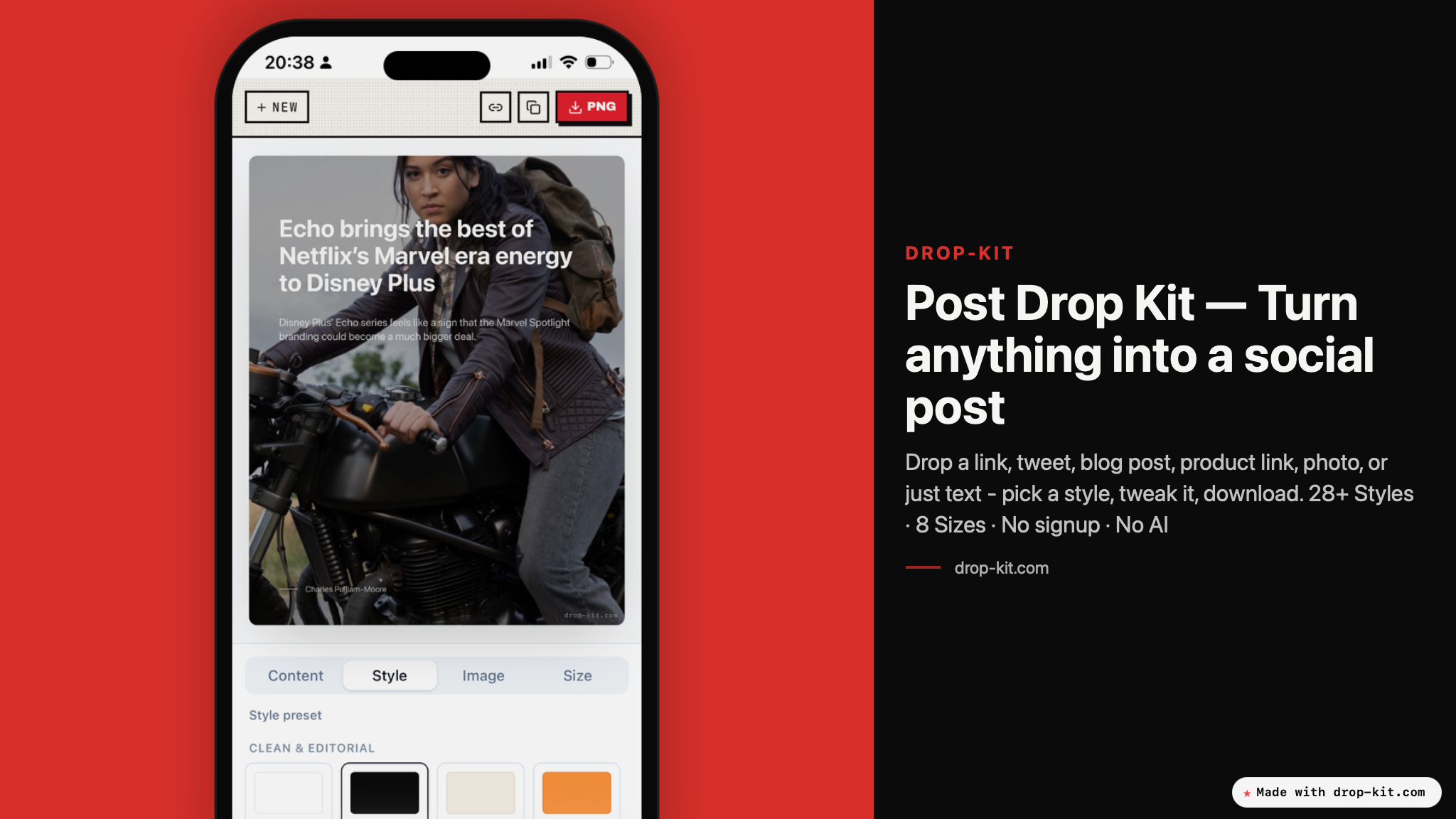
Drop Kit is a tool I built in a single weekend because I was tired of this exact problem. You drop in a link, some text, or a photo, and it turns it into a proper social media image — styled, sized, and ready to post.
No signup. No AI rewriting your words. No subscription to unlock the basics. You paste your content, pick a style, export, done.
The tool pulls metadata automatically from Open Graph tags when you drop a link — title, image, source — so you're not manually filling in fields. From there you pick from 28+ design styles: clean editorial layouts, device mockups, polaroid collages, poster formats, banners. Eight platform sizes are supported out of the box, from square Instagram posts to LinkedIn banners to YouTube thumbnails.
Photos you upload stay local to your browser. Nothing gets sent to a server. One click exports a high-resolution PNG to your clipboard or downloads it directly.
Why I built it without AI
The decision not to use AI for content generation was deliberate, and I think it's worth explaining.
Firstly a lot of tools in this space want to rewrite your caption, suggest your hashtags, and "optimize your content for engagement." I don't want that. When I'm sharing something, I want to share what I actually wrote — not a version that's been smoothed out by a language model trying to sound like LinkedIn.
Secondly AI created visuals are hard to keep on brand and AI is just not reliable enough to be able to repeat it with a high degree of precision across your online presence.
Drop Kit handles the visual problem, not the writing problem. Those are different problems. The writing is yours. The image just needs to look good, stay on brand and be replicable.
The only AI adjacent thing it does is read Open Graph metadata — the same way a browser does when you paste a link into Slack. That's it.
The weekend it came from
I built the first version in two days. That's not a boast — it's context for what the tool is. It's not trying to replace a full design system or a social media management platform. It's a sharp tool that does one thing: makes your links and content look good when you share them.
It got picked up on Product Hunt shortly after launch, which was a nice signal that the frustration I was solving wasn't just mine. Creators who are regularly sharing articles, product launches, and content updates don't want a design workflow. They want to paste something in and get something back that is on brand and feels like them.
Who it's for
If you're posting consistently — as a creator, indie founder, newsletter writer, or anyone who ships things publicly — you hit this problem on a weekly basis. Every time you want to share a post or a product and the visual falls flat, doesn't tell your story, is off brand or not replicable.
Drop Kit is free to use without an account. The only paid feature is removing the "Made with Drop-Kit.com" watermark, which requires signing up. Everything else — all 28+ styles, all platform sizes, full resolution exports — is free.
It's live at drop-kit.com. Drop something in and see what comes out.